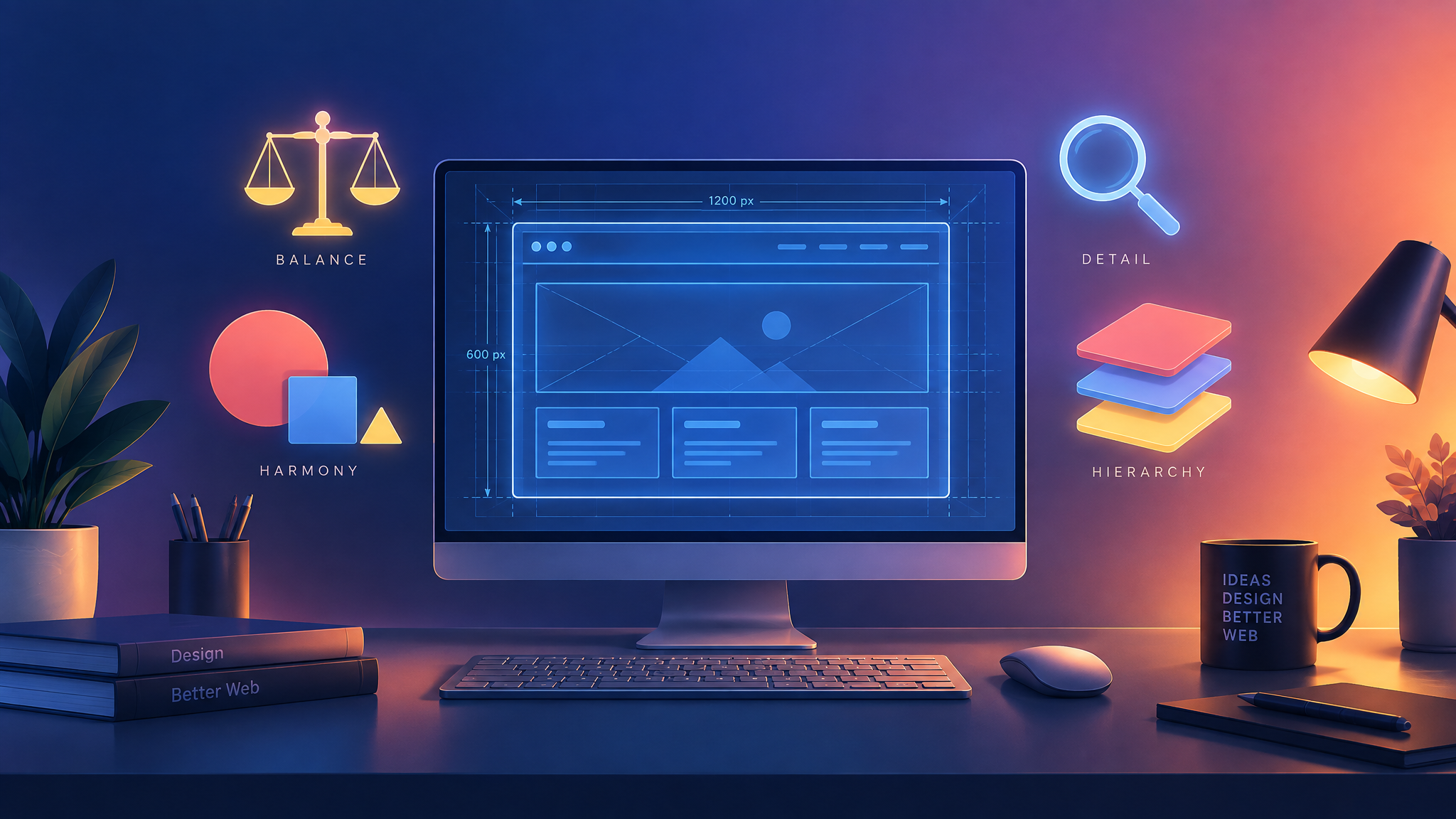
Good web design is more than just aesthetics — it's about creating websites that are functional, intuitive, and effective at achieving their purpose. Whether you're designing a personal portfolio, a small business site, or a large e-commerce platform, following core principles of web design ensures your website works well for the people using it. Below, we break down ten essential principles of web design that every designer, and every business owner planning a website, should understand.
Keep It Simple
Simplicity is one of the most important principles of web design. Cluttered pages with too many competing elements overwhelm visitors and make it harder to find what they're looking for. A clean, simple layout with plenty of white space helps guide the eye naturally and makes content easier to digest. Simplicity doesn't mean boring — it means intentional, focused design where every element serves a purpose.
Visual Hierarchy
Visual hierarchy refers to the way elements are arranged to show their order of importance. Larger, bolder text draws attention first, while smaller text and secondary elements support the main message. By using size, color, contrast, and placement strategically, designers guide visitors through a page in a logical sequence, helping them absorb information the way it was intended to be read.
Consistency
Consistent use of colors, fonts, button styles, and spacing throughout a website builds familiarity and trust. When elements behave predictably — for example, buttons always look and act the same way — users feel more confident navigating the site. Consistency also reinforces brand identity, making a website feel cohesive rather than like a collection of mismatched pages.
Responsive Design
With most web traffic now coming from mobile devices, responsive design is no longer optional. A responsive website automatically adjusts its layout, images, and text to fit different screen sizes, ensuring a smooth experience whether someone is browsing on a phone, tablet, or desktop. Poor responsiveness leads to frustrated users and higher bounce rates.
Fast Load Times
Users expect websites to load quickly, and search engines factor speed into rankings. Large, unoptimized images, excessive scripts, and bloated code can slow a site down significantly. Prioritizing performance — through image compression, clean code, and efficient hosting — keeps visitors engaged and improves overall user experience.
Intuitive Navigation
Visitors should never have to think hard about how to find what they need. Clear, logically organized navigation menus, descriptive labels, and a predictable structure make it easy for users to move through a site. Good navigation reduces frustration and helps visitors complete their goals, whether that's reading content, filling out a form, or making a purchase.
Strong Contrast and Readability
Text needs to be easy to read against its background, and important elements like buttons or calls-to-action should stand out clearly. Strong contrast between text and background colors improves readability and accessibility, ensuring content is usable for as many visitors as possible, including those with visual impairments.
Purposeful Use of Color
Color influences mood, guides attention, and reinforces branding. Rather than choosing colors arbitrarily, effective web design uses color intentionally — highlighting calls-to-action, distinguishing sections, and creating an emotional tone that aligns with the brand. A well-considered color palette makes a website feel polished and professional.
Accessibility
Designing with accessibility in mind ensures that people with disabilities can use a website effectively. This includes sufficient color contrast, keyboard-friendly navigation, descriptive alt text for images, and clear, readable typography. Accessible design isn't just ethical practice — it also broadens a website's audience and can improve search engine performance.
Clear Calls-to-Action
Every page should guide visitors toward a specific action, whether it's signing up for a newsletter, contacting a business, or completing a purchase. Clear, well-placed calls-to-action — with direct language and visual prominence — help convert visitors into customers or leads, rather than leaving them unsure of what to do next. Final Thoughts
Mastering these principles of web design doesn't guarantee a perfect website on the first try, but it provides a strong foundation for building sites that are visually appealing, easy to use, and effective at achieving their goals. Whether you're a designer refining your craft or a business owner evaluating your current website, keeping these fundamentals in mind will help ensure your site serves both your visitors and your business well.