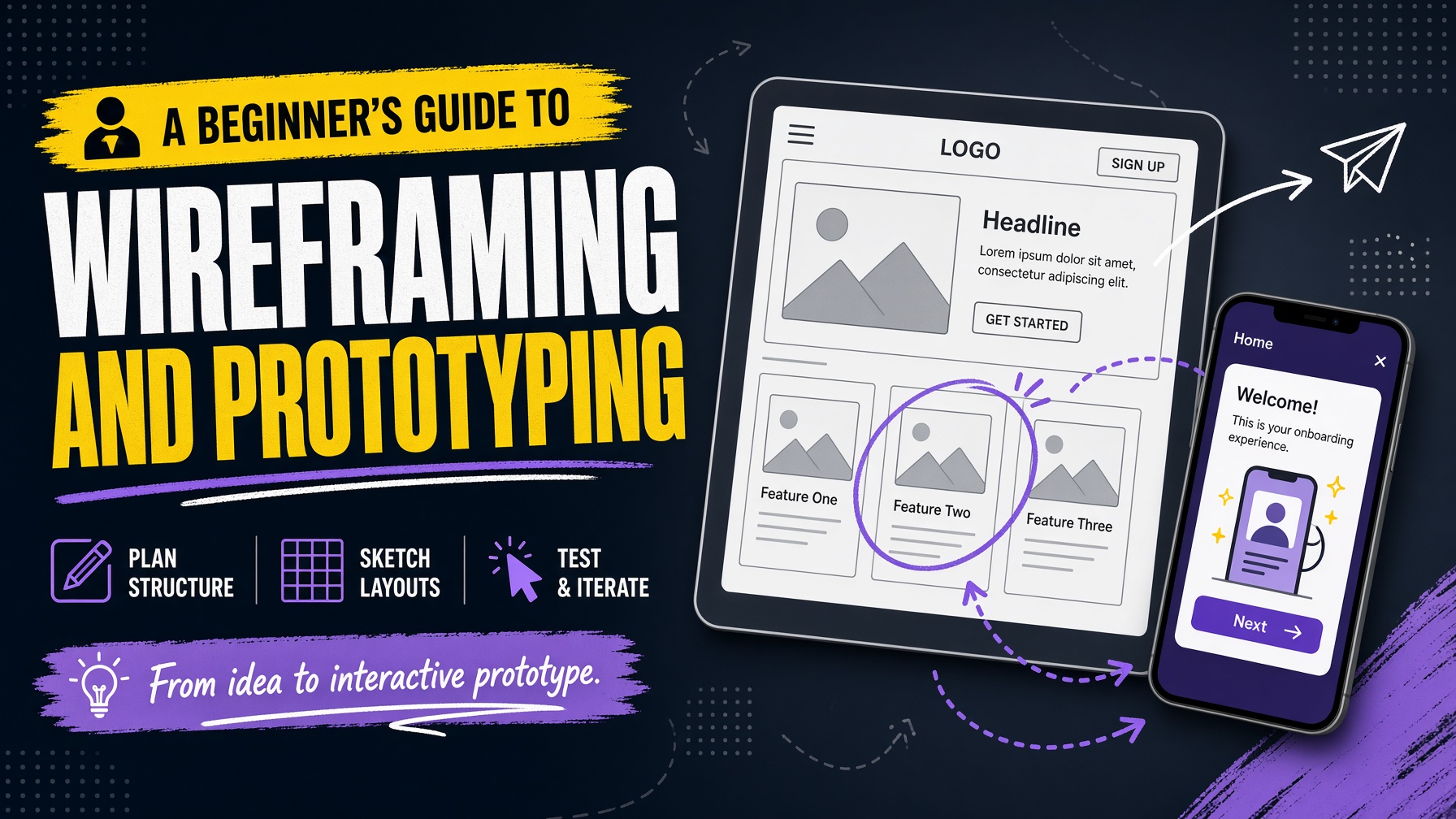
Great web design rarely begins with colours, animations or polished graphics. It begins with understanding a problem and planning a solution. Wireframes and prototypes give designers a practical way to test structure, content and user journeys before development starts. They make ideas visible, create a shared language between clients and designers, and reveal weaknesses while they are still inexpensive to fix.
What is a wireframe?
A wireframe is a simplified visual plan for a webpage or digital product. It shows the position of major elements such as navigation, headings, content blocks, forms, images and calls to action, without focusing on final colours, imagery or detailed styling. Think of it as the floor plan of a house: it describes where things belong and how people move through the space before decoration begins.
Wireframes may be drawn on paper, created in a web design application or assembled in a collaborative whiteboard. Low-fidelity wireframes are deliberately basic, while high-fidelity wireframes contain more detail. The right level depends on the project stage and the question being answered.
What is a prototype?
A prototype is an interactive representation of a website or application. It may be as simple as linked screens that demonstrate navigation, or as detailed as a near-final interface with realistic interactions. Unlike a static wireframe, a prototype helps people experience the proposed journey: clicking a menu, submitting a form, filtering products or moving through checkout.
Prototypes are not necessarily finished products. Their value comes from making assumptions testable before a development team invests time in production code.
Why wireframing matters in web design
A websites design can look attractive and still be difficult to use. Wireframing forces the project team to address structure before visual polish distracts from fundamental problems. It helps answer questions such as: What should visitors see first? Which information deserves priority? How many steps should a key task require? Where should trust signals and supporting content appear?
This early thinking also protects the budget. Moving a section in a wireframe is quick; rebuilding a developed page, changing a content model and retesting responsive behaviour is not. Wireframes therefore reduce rework and help keep design decisions tied to user and business goals.
A practical wireframing process
Start with the audience and the purpose of the page. Identify what the visitor needs to know, what action the business wants them to take and what questions might prevent that action. Next, map the content and user journey. Group related information, decide what belongs in the main navigation and remove anything that does not support the page objective. Create a rough layout using blocks and labels rather than polished copy. At this stage, explore more than one option. A homepage, for example, might test a product-led structure against a problem-led structure. Compare the options against clarity, accessibility, conversion goals and ease of maintenance.
Once a direction is chosen, add realistic content lengths. Placeholder text often hides layout problems, so use genuine headings, likely button labels and representative images where possible. A layout that works with short sample text may fail when real content is introduced.
Turning wireframes into prototypes
Prototype the most important journeys first. If the website exists to generate enquiries, link the pages that lead to the enquiry form. If it sells products, prototype product discovery, product detail and checkout. Do not spend time animating every corner of the site before the main experience has been validated.
Use the prototype to test clarity, not to persuade people that the final web design is already complete. Ask users what they think they can do next, where they would look for information and what feels confusing. Their behaviour is usually more useful than a general statement that the design looks good.
Common mistakes to avoid
One common mistake is skipping structure because the team is eager to see a finished visual design. Another is making the wireframe too detailed too early, which can cause people to defend a weak idea simply because effort has already been invested. A third is treating the wireframe as a document that only the designer sees. Developers, content writers, accessibility specialists and clients can all identify valuable issues when invited into the process. Avoid testing only on desktop. Navigation, forms, content order and interaction patterns often change significantly on smaller screens. Responsive decisions should be considered from the beginning, not added after the desktop layout is approved.
Final thoughts
Wireframing and prototyping make web design more deliberate. They help teams solve the right problems, communicate decisions clearly and test important journeys before they become expensive to change. Whether the project is a small business website or a complex digital service, a thoughtful structure is the foundation on which successful visual web design is built.