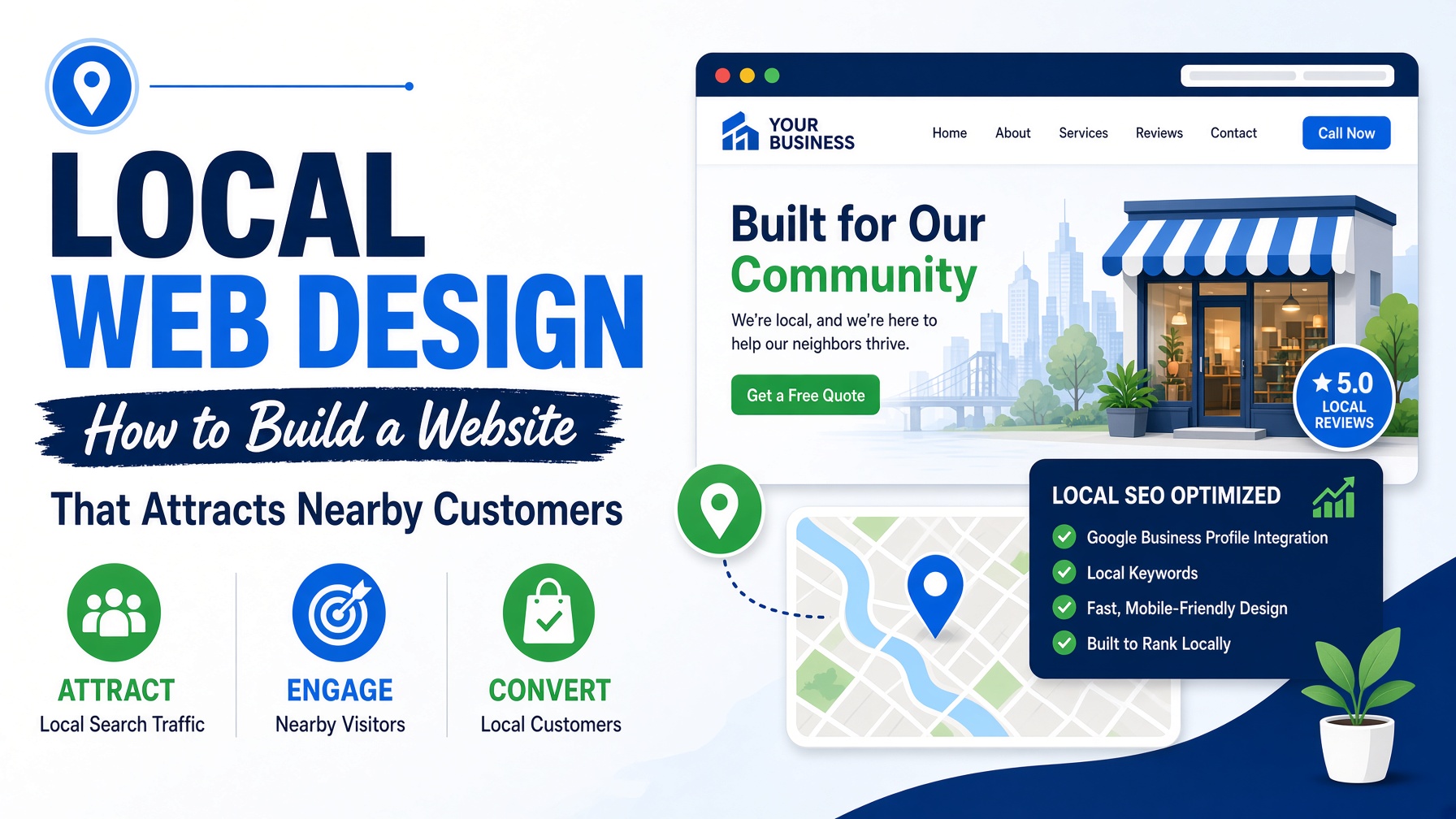
A local business website has a job that is different from a purely national brand site. It needs to explain what the business offers, make its location and service area clear, and give nearby customers a confident reason to call, visit or book. Strong Local web design combines useful information, local relevance, accessibility and trust. This guide explores the practical decisions that help a small business website compete for attention in its community.
Make the local value obvious
Visitors should understand within seconds what you do, where you do it and who you help. Put the service, location and most important benefit in prominent page content rather than expecting people to infer them from a logo or a generic slogan. A plumber, salon, consultant or restaurant should communicate its local relevance in plain language. Avoid trying to serve every possible audience on one vague homepage. Dedicated service and location pages can explain specific needs more clearly, provided each page contains genuinely useful information rather than lightly edited duplicate text.
Build a trustworthy first impression
Local customers often choose between businesses they have not used before. Real photographs, staff introductions, qualifications, memberships, reviews, case studies and clear contact details help reduce uncertainty. Use authentic evidence wherever possible. Stock imagery may be attractive, but photographs of the actual premises, team or completed work usually provide stronger local credibility.
Keep opening hours, address, phone number and booking instructions consistent and easy to find. On mobile, a prominent tap-to-call button can remove unnecessary friction for people who need help quickly.
Create pages around customer questions
A useful local website answers the questions people ask before contacting a business: Do you serve my area? How much might this cost? What is included? How soon are you available? What happens next? Use service pages, FAQs and practical guides to answer these questions in a natural, readable way. Do not write for search engines at the expense of customers. Repeating a town name unnaturally makes content harder to trust. Explain the service with local context, examples and clear next steps instead.
Support local search visibility
Local web design and local search work together. Make important business details accessible to users and search engines, use descriptive page titles and headings, and ensure each service page has a clear purpose. Claim and maintain relevant business listings, encourage genuine reviews and check that contact information remains accurate across platforms.
Technical foundations matter too. A fast, mobile-friendly, secure website with a logical structure is easier for people to use and easier for search systems to understand. Local visibility is not created by one keyword; it grows from consistent information, relevant content and a credible business presence.
Make contact and booking effortless
Every page should offer a sensible next step. Depending on the business, that might be a phone call, enquiry form, appointment booking, directions or a request for a quote. Keep forms short, explain what happens after submission and avoid asking for sensitive information unnecessarily.
Show the service area in a way that helps people decide whether to contact you. A written list of locations, a clear address or an embedded map can all be useful, but never rely on a map alone because it may be inaccessible or inconvenient on some devices.
Design for accessibility and speed
Local customers may visit from a phone while travelling, working or dealing with an urgent need. Compress images, limit distracting effects and make key content available quickly. Ensure text is readable, buttons are large enough to use comfortably and colour is not the only way information is communicated.
Accessible Local web design supports older users, people with disabilities and anyone using a temporary or situational limitation. It is a practical part of serving a community well, not an optional visual feature.
Measure enquiries, not vanity metrics
Page views can be useful, but local businesses should also monitor calls, form submissions, direction requests, bookings and qualified enquiries. Ask new customers how they found you and look for patterns in the questions they ask. This feedback can reveal missing content and guide future improvements.
Review important pages regularly. Update seasonal hours, services, pricing guidance, team details and photographs so the site continues to represent the business accurately.
Final thoughts
Local web design succeeds when it makes a nearby customer feel understood, reassured and able to act. A clear local message, authentic proof, helpful service information, strong technical foundations and frictionless contact options can turn a simple website into a dependable part of a small business’s customer journey.