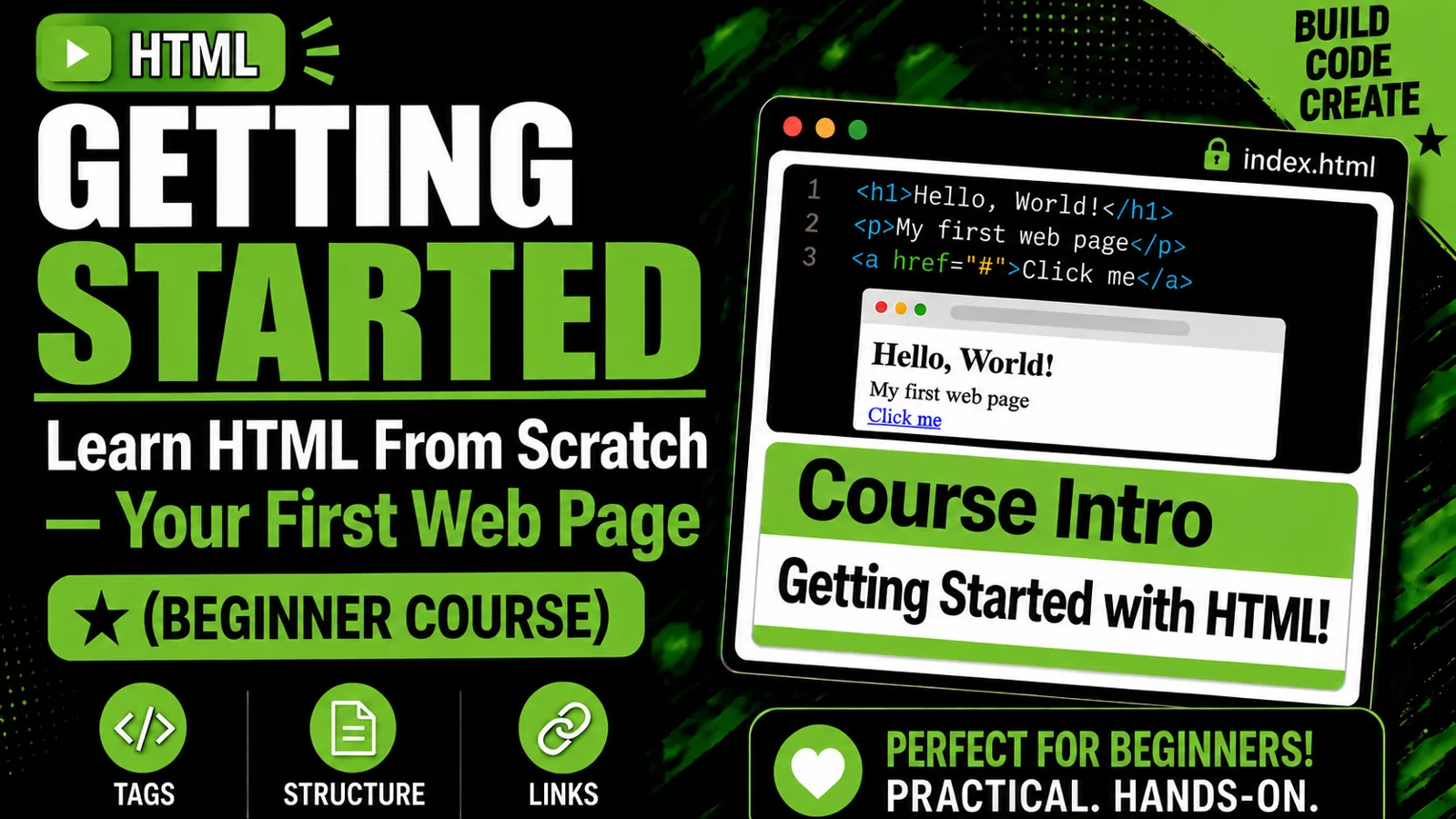
HTML from Scratch: A Beginner's Guide to Building Web Pages
Course Overview
Learn to build web pages from the ground up. This course takes you from writing your first line of HTML to publishing a personal portfolio site. No prior coding experience is needed.
Level: Beginner Lessons: 20, in 6 modules Prerequisites: A computer, a web browser and an internet connection for setup and publishing
What You'll Learn
By the end of this course, you will be able to:
- Explain what HTML is and how it works with CSS and JavaScript
- Set up a code editor and build and preview pages in a browser
- Write well-structured HTML pages using semantic elements
- Add text, links, images, lists, tables, audio and video
- Build accessible forms that collect user input
- Apply basic CSS styling
- Validate and debug your code
- Publish a finished website online for free
Who This Course Is For
- Complete beginners with no coding background
- Students, career changers and hobbyists
- Anyone who wants to build a first website or prepare for learning CSS and JavaScript
Tools You'll Need
- A modern web browser (Chrome, Firefox, Edge or Safari)
- Visual Studio Code (free)
- A free GitHub or Netlify account (for Lesson 19)
Course Structure
Module 1: Getting Started
- What Is HTML?
- Setting Up Your Workspace
- Anatomy of an HTML Page
Module 2: Core Content
- Text Basics
- Formatting Text
- Links
- Images
- Lists
Module 3: Structure and Layout
- Semantic HTML
- Div and Span
- Tables
Module 4: Interactivity and Media
- Forms, Part 1
- Forms, Part 2
- Audio and Video
Module 5: Best Practices
- Accessibility Basics
- Intro to CSS
- Validation and Debugging
Module 6: Final Project
- Build a Personal Portfolio Page
- Publishing Your Site
- Next Steps
How Each Lesson Works
Every lesson includes:
- Learning goals: what you'll be able to do by the end
- Explanations: plain-English concepts with real-world analogies
- Code examples: short snippets you can copy and try
- Key takeaways: a quick summary
- Exercises: hands-on practice, with answers where relevant
Each module ends with a checkpoint so you can confirm your progress.
Final Project
You'll combine everything you've learned to build and publish a personal portfolio page. It will include a header and navigation, an about section, an image gallery, a contact form and a footer.
Tips for Success
- Type the code yourself instead of copying and pasting.
- Follow the loop: edit, save, refresh.
- Do every exercise, even the easy ones.
- Make mistakes on purpose to see what breaks.
- Check your pages with the W3C validator.
What's Next?
After this course, continue with:
- CSS: layout, Flexbox, Grid and responsive design
- JavaScript: make your pages interactive
- Git and GitHub: version control and collaboration